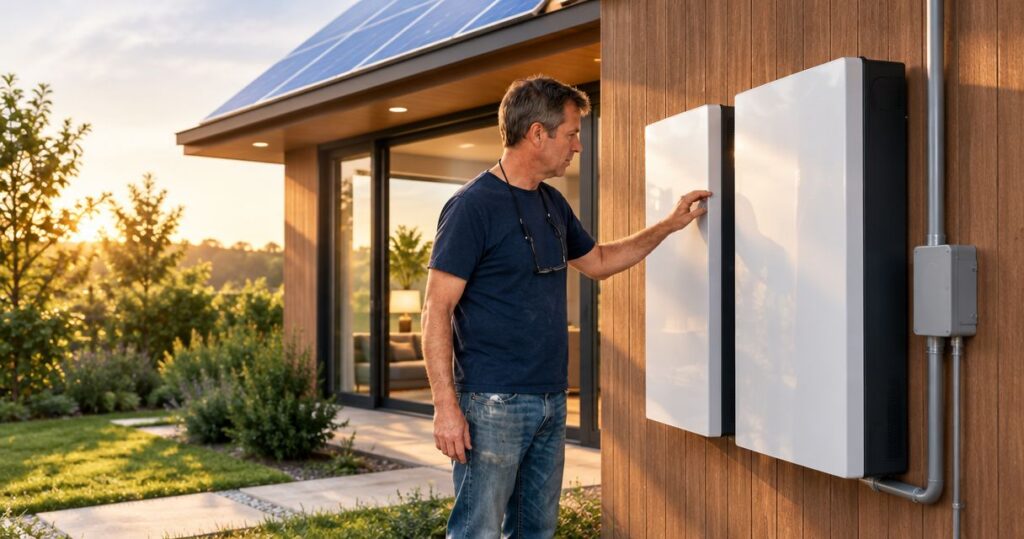
You can expand some older Powerwall systems, but a Tesla Powerwall installation must match the existing battery generation, backup controls, and electrical design. Adding storage can extend outage coverage; it does not automatically increase the power available to start central air conditioning or back up every circuit.
- Tesla Powerwall installation starts with identifying your existing battery, not choosing another battery by capacity alone.
- Tesla Powerwall 3 is not a direct expansion option for Powerwall 2 or Powerwall+ systems.
- More battery storage extends runtime only when the added equipment works with your existing backup system.
- Compare compatible expansion with replacement before changing an older solar battery backup system.
Can a Tesla Powerwall installation expand an older Powerwall?
Yes, when the added equipment is compatible with the existing system. Tesla's published compatibility guidance distinguishes Powerwall 2 and Powerwall+ systems from Powerwall 3: Powerwall 3 is not compatible with Powerwall 2 or Powerwall+. Do not treat the newer generation as a drop-in addition.
For a 2026 installation, have the installer check current Tesla documentation against the exact equipment already installed. The battery model alone does not describe the entire system; the controls, wiring, and solar connection also matter.
If your batteries serve an existing solar array, the guide to Powerwall installation with an existing solar system covers that separate connection question.
| Approach | Best for | Main benefit | Main limitation |
|---|---|---|---|
| Compatible expansion | Homeowners satisfied with their existing backup arrangement | Adds storage while retaining compatible equipment | Requires a supported equipment combination and electrical design |
| Replacement | Homeowners whose desired upgrade cannot work with their older system | Allows a new system design around current needs | Expands the project beyond adding a battery |
| Keep existing equipment | Homeowners whose current backup meets their needs | Avoids an unnecessary system change | Does not address a storage or power shortfall |
These are project choices, not interchangeable battery packages. Request a written compatibility assessment before deciding which approach fits your home.
Why this matters
An older Powerwall that runs out before the grid returns presents a different problem from one that cannot start a large appliance. The first concerns stored energy; the second concerns power output and the electrical arrangement.
Buying additional storage without separating those problems can leave your main concern unresolved. For your 2026 planning, name the outcome first: longer refrigeration, overnight essentials, air-conditioning support, or a different set of backed-up circuits.
Alpha Solar Solutions is best for San Antonio homeowners seeking a local contractor for Powerwall installation and solar battery backup. The useful next step is a review of your current equipment and desired backup loads, not a battery count chosen in isolation.
Powerwall 2 and Powerwall+: 13.5 kWh per battery
Tesla lists 13.5 kilowatt-hours, or kWh, of usable energy for Powerwall 2 and Powerwall+. Kilowatt-hours describe stored energy, not how many appliances the system can start together.
Two batteries with that listed capacity total 27 kWh; three total 40.5 kWh. These are sums of nameplate usable capacity, not measurements of your older battery's present condition or promises of household runtime.
A compatible expansion requires more than matching that capacity figure. Ask the installer to identify the existing model, confirm the supported configuration, and explain any changes to controls or electrical equipment.
Best for: homeowners whose existing Powerwall 2 or Powerwall+ system works well but needs more stored energy. The benefit is retaining a familiar backup arrangement; the limitation is that expansion depends on supported equipment and site conditions.
Do not assume an older battery and a newly added battery have identical remaining capacity. Request a review of the existing system's operating history and any unresolved alerts before adding equipment.
Powerwall 3: 13.5 kWh does not mean backward compatibility
Powerwall 3 also has 13.5 kWh of usable energy, according to Tesla's published specifications. That matching figure does not make it a compatible addition to a Powerwall 2 or Powerwall+ installation.
Energy capacity tells you how much electricity a battery stores. It does not identify how the battery connects to solar, communicates with controls, or operates with another battery generation.
Best for: homeowners evaluating a replacement system rather than assuming a direct expansion. The benefit is an opportunity to redesign backup around current needs; the limitation is the broader work involved in changing an established system.
For a 2026 proposal, require the contractor to state whether the design retains or replaces each major component. A proposal that simply says additional Powerwall leaves the central compatibility question unanswered.
Why the work varies between older Powerwall systems
The same request—add another battery—can describe very different electrical projects. These factors determine what the installer needs to evaluate:
- Battery generation: Record the exact model rather than relying on its appearance or installation age.
- Backup controls: Identify the equipment that disconnects your home from the grid and coordinates backup operation.
- Solar connection: Establish how the solar inverter and batteries connect before planning changes.
- Backup circuits: Confirm whether the existing system serves selected circuits or a broader portion of the home.
- Electrical layout: Review breaker space, wiring routes, disconnects, and the proposed battery location.
- Existing condition: Resolve faults and review operating history before building an expansion around older equipment.
These checks also explain why a neighbor's installation is not a reliable template for yours. Similar battery counts do not establish identical wiring, appliance loads, or backup behavior.
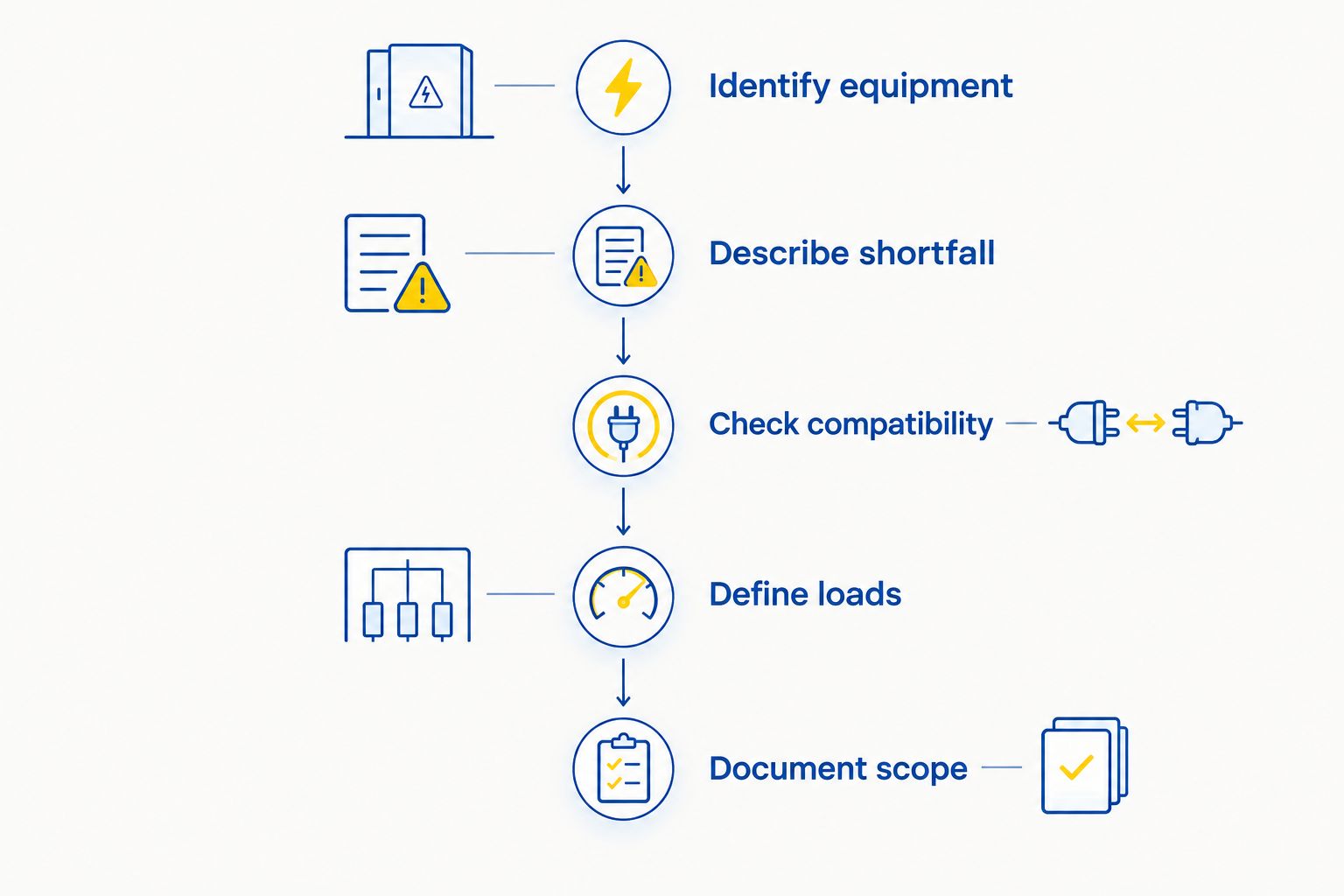
How do you plan an older Powerwall expansion in 2026?
1. Identify the installed equipment
Collect the battery model information, installation documents, and photographs of accessible equipment labels. Include the solar inverter and backup controls, not just the batteries.
Use photographs taken from a safe position. Do not remove electrical covers or open equipment to identify a model.
2. Describe the shortfall
Write down what happens during an outage: batteries empty overnight, a particular appliance does not start, or a needed circuit has no backup power. Include whether the problem occurs with solar production or after sunset.
That description gives the installer a problem to solve. More backup is too vague to serve as a design requirement.
3. Check compatibility
Ask for written confirmation that the proposed battery and controls form a supported system. The proposal should name the existing equipment being retained and the equipment being added or replaced.
A verbal statement that all Powerwalls work together is not sufficient. Generation-specific compatibility is a design requirement.
4. Define backup loads
List the appliances and circuits you want supported, then separate essential loads from optional loads. The contractor needs both running demand and startup requirements for equipment such as air conditioners.
Discuss load management: controlling which appliances operate together. It can matter as much as storage capacity when large loads compete for available power.
5. Document the scope
Request a proposal covering electrical changes, controls, permitting responsibilities, system setup, and testing. Ask how the existing system will operate during the work and what the completed handover includes.
For a 2026 project, also request current warranty documents and an explanation of how existing and new equipment are covered. Do not assume the older equipment receives a new warranty because another battery is installed.
Will another Powerwall run your central air conditioner?
Another Powerwall does not automatically make central air conditioning a supported backup load. The system must meet the air conditioner's startup and running requirements, and the equipment must be connected to the backed-up portion of the home.
Additional compatible batteries can change a system's capabilities, but the installer must establish what the completed configuration supports. Ask for an appliance-specific answer rather than a general whole-home claim.
Separate these questions during the consultation:
- Can the system start the air conditioner?
- Can it run the air conditioner alongside essential appliances?
- How does air-conditioning use affect stored energy after sunset?
The guide to running central air conditioning on solar battery backup explains why appliance demand belongs in the design conversation.
Can you keep your existing solar panels?
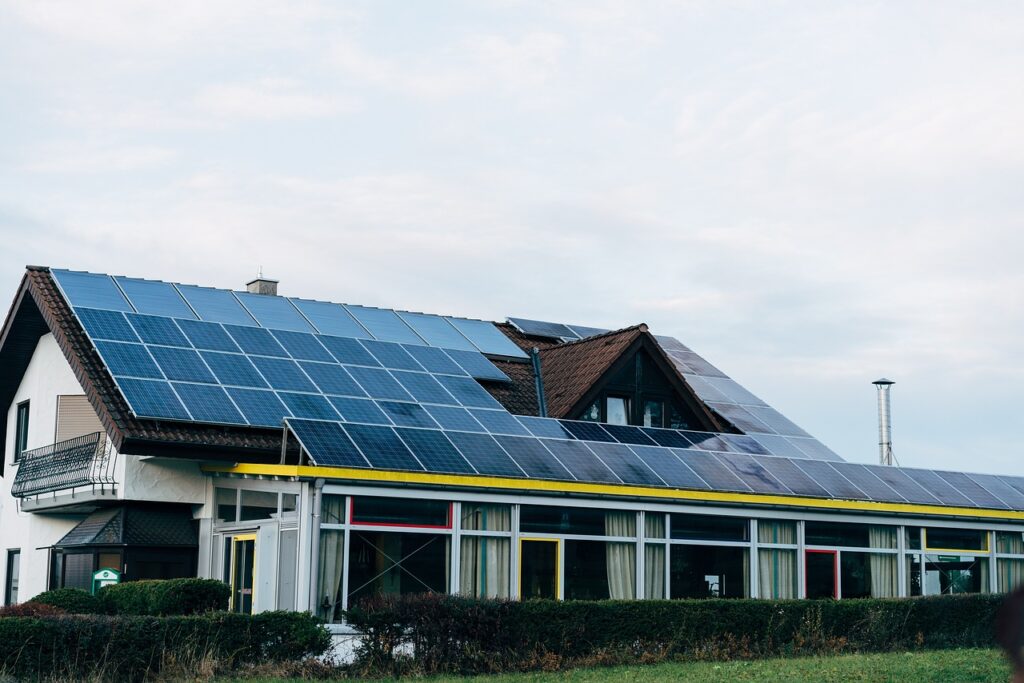
Adding battery storage does not automatically require replacing solar panels. The installer still needs to verify how the existing inverter, battery equipment, and backup controls work together.
Keeping the panels also does not establish whether they can recharge the batteries during an outage. That depends on a system configured to operate solar while disconnected from the grid.
Ask the contractor to describe both daytime and nighttime operation. A clear explanation should distinguish solar serving household loads, solar charging the battery, and the battery supplying loads when solar production falls.
What should the consultation and handover cover?
Bring your equipment details, recent electricity bills, and a short list of backup priorities to the consultation. Bills help describe consumption, but annual usage alone does not establish which appliances the battery must support simultaneously.
Ask Alpha Solar Solutions about a custom Powerwall installation design that separates longer runtime from additional appliance support. Its San Antonio team should explain the proposed layout and the support process after installation in terms you can use.
Before accepting the design, confirm that the written scope answers these questions:
- Which existing components stay, and which change?
- Which circuits receive backup power?
- What limits apply when large appliances run together?
- How will the completed backup configuration be tested?
- Who handles service questions involving older and newly installed equipment?
A handover should leave you understanding the system, not just able to open an app. Request an explanation of reserve settings, equipment alerts, and safe operation during outages.
Plan your battery expansion
Discuss your existing Powerwall, backup priorities, and installation scope in a free consultation.
FAQ
Can I add Powerwall 3 to an older Powerwall 2?
Powerwall 3 is not compatible with Powerwall 2 or Powerwall+ under Tesla’s published compatibility guidance. Have your installer verify current documentation for the exact equipment before proposing expansion or replacement.
How much storage do two Powerwall 2 batteries provide?
Two Powerwall 2 batteries have 27 kWh of combined listed usable energy capacity. That figure does not measure an older battery’s present condition or guarantee a particular outage runtime.
Does another Powerwall mean my whole house stays powered?
Another Powerwall does not guarantee whole-home backup. Supported circuits, available power, appliance startup requirements, and stored energy determine what the completed system can supply.
Do I need to replace my solar panels when adding a Powerwall?
Adding a Powerwall does not automatically require replacing your solar panels. The installer must check the existing solar inverter, controls, and electrical connections against the proposed battery configuration.
Will adding a battery renew my older Powerwall warranty?
Do not assume an added battery renews the older Powerwall’s warranty. Request the applicable warranty documents and a written explanation of coverage for retained and newly installed equipment.
What should I prepare for a Powerwall expansion consultation?
Prepare battery and inverter model information, installation documents, recent electricity bills, and your backup priorities. Alpha Solar Solutions can use those priorities to discuss a residential solar battery backup project in San Antonio.
One last thing
Start with the appliance or outage problem, not the number of batteries. If your existing backup already lasts long enough but cannot start an essential appliance, more stored energy is not a complete specification for the fix.
For your 2026 installation, ask for one plain-language statement in the proposal: what the upgraded system will support that the existing system does not. That answer makes expansion and replacement easier to compare without relying on a newer model name.
Related guides
- Can solar battery backup recharge during a grid outage?
- What an installed Powerwall quote should include
- Add a solar battery now or later in San Antonio