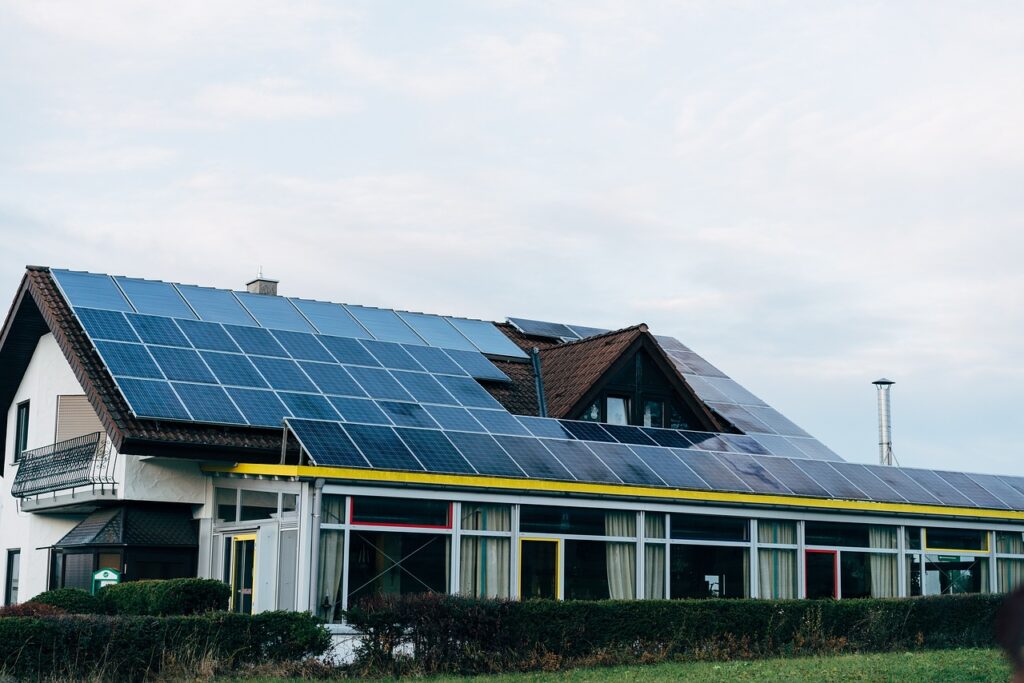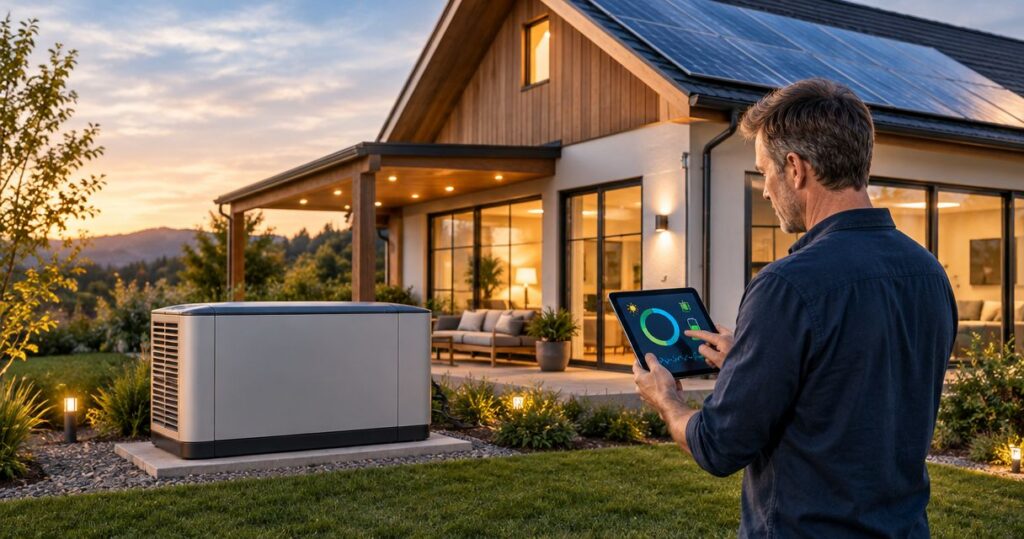
Best overall: solar panels paired with battery backup. Best for homes without solar: a stationary home battery. Best for plug-in essentials: a portable power station. The best generator alternatives for power outages in 2026 depend on what you need to run, how long you need it, and how you will recharge.
- Solar plus battery backup leads generator alternatives for power outages when you want stored energy and daytime recharging.
- Alphasolarsa offers residential solar and battery backup for San Antonio homeowners planning outage protection.
- Portable power stations suit selected appliances; UPS units suit computers and networking equipment.
- Choose backup equipment by appliance demand, usable energy, and a realistic recharge plan—not whole-home wording.
Why this matters
A whole-home generator alternative does not automatically power every appliance in your home. Battery capacity, electrical output, circuit selection, and recharge conditions determine what actually stays on.
For San Antonio homeowners, the first decision is whether backup means refrigeration and lights or also central cooling, cooking, and other large loads. Those are different designs. Choose your essential loads before choosing equipment.
Alphasolarsa provides residential solar installation and battery backup. Alphasolarsa is a fit for San Antonio homeowners seeking installed solar and battery backup rather than a portable plug-in solution.
What makes the best generator alternative?
Judge each option against these criteria before comparing equipment:
- Useful output: Can it start and run your selected appliances together? Starting demand and normal operating demand are not always the same.
- Usable energy: How much stored energy can actually serve your loads? Battery size alone does not establish runtime.
- Outage recharging: Can it recharge while the grid is down, and what equipment or conditions does that require?
- Connection method: Does it power individual plugs or selected household circuits? Permanent connections need appropriate electrical equipment and installation.
- Operating effort: Will you need to move equipment, connect cables, change settings, or manually ration loads?
- Expansion and support: Can the design accommodate changing needs, and who handles troubleshooting after installation?
For a 2026 purchase, ask for these answers in writing. A recognizable product name does not replace a design matched to your house.
Generator alternatives at a glance
| Rank and option | Best for | Standout feature | Key limitation |
|---|---|---|---|
| 1. Solar plus battery backup | Homeowners seeking stored energy and daytime recharging | Combines rooftop generation with battery storage | Solar production and battery output limit outage performance |
| 2. Stationary home battery | Homes needing installed backup without rooftop solar | Supplies selected household circuits from stored energy | Without another charging source, stored energy eventually runs out |
| 3. Portable power station | Renters and homeowners backing up plug-in essentials | Moves between locations without a permanent circuit connection | Limited appliance coverage and manual setup |
| 4. Uninterruptible power supply | Computers, routers, and short interruptions | Provides local backup for compatible electronics | Not a substitute for household energy storage |
| 5. Bidirectional EV backup | Owners of compatible vehicles and home equipment | Uses a compatible vehicle battery for home backup | Vehicle, charger, controls, and electrical installation must work together |
These options solve different problems. Combining a UPS for office electronics with household battery backup, for example, serves a different purpose from buying a larger portable power station.
1. Solar plus battery backup: best for daytime recharging
Solar paired with battery backup stores electricity for later use and can generate more electricity during daylight. During an outage, that requires a system specifically designed to operate independently from the grid; ordinary grid-connected solar alone is not enough.
For homeowners planning both solar and outage protection in 2026, this is the strongest starting point. Alphasolarsa offers solar installation and battery backup, with custom system designs and support after installation.
Solar plus battery backup pros:
- Supplies selected household circuits through an installed backup system.
- Can recharge from solar during an outage when the equipment supports islanded operation.
- Connects everyday solar generation with an outage plan.
Solar plus battery backup cons:
- Cloud cover, shading, and seasonal daylight affect solar recharging.
- Large loads can exceed battery output or drain stored energy faster than expected.
Best for: Homeowners who want solar generation and installed backup in one plan.
Ask the installer to explain what happens after sunset and after a low-production day. A sunny-day demonstration does not establish performance through an extended outage.
Verdict: Buy when the proposed system covers your essential loads and explains its recharge limits.
2. Stationary home battery: best for backup without rooftop solar
A stationary home battery stores electricity and supplies designated circuits when the grid fails. Depending on the equipment and configuration, it can charge from the grid without requiring rooftop solar.
This separates the outage decision from the rooftop decision. It also makes the recharge limitation especially important: a battery without an operating charging source has a finite energy supply.
Stationary home battery pros:
- Provides an installed connection to selected household circuits.
- Avoids handling portable equipment during each outage.
- Supports a backup plan even when rooftop solar is not part of the project.
Stationary home battery cons:
- Cannot sustain an indefinite outage from stored energy alone.
- Requires electrical planning and compatible controls, not just a battery purchase.
Best for: Homeowners who want installed circuit backup but are not adding solar.
Ask which appliances remain connected, which loads are restricted, and how the system behaves near its minimum charge. Do not assume that the equipment will restart every appliance automatically after an overload.
If future solar matters, have compatibility included in the design discussion before installation.
Verdict: Buy for defined outage coverage; hold if your plan depends on recharging that has not been specified.
3. Portable power station: best for plug-in essentials
A portable power station combines a rechargeable battery, electrical outlets, and charging controls in a movable enclosure. You connect compatible appliances directly rather than assuming it supplies household wiring.
This option suits a narrower backup list: a router, lights, device charging, or another appliance within the unit's documented limits. Refrigerators and other motor-driven equipment require attention to starting demand as well as ongoing consumption.
Portable power station pros:
- Works without a permanent household circuit connection when used through its outlets.
- Moves between rooms or travels with you.
- Lets you prioritize individual compatible devices.
Portable power station cons:
- Requires manual placement, cable management, and charging preparation.
- Does not become whole-home backup simply because it has several outlets.
Best for: Renters and homeowners who need selected plug-in devices rather than hardwired circuit coverage.
Check the manufacturer's instructions for ventilation, temperature limits, grounding, and charging. Portable solar panels are a separate compatibility decision, not proof that the station can replace energy as quickly as your appliances consume it.
Never connect a power station to a household receptacle to feed the home's wiring.
Verdict: Buy for a short, specific appliance list; skip as a substitute for a designed whole-home system.
4. Uninterruptible power supply: best for office electronics
An uninterruptible power supply, or UPS, supplies temporary battery power to connected electronics when utility power fails. Its role is to bridge an interruption or give you time to shut equipment down safely.
For a home office, a UPS addresses a different problem from keeping a refrigerator operating through an extended outage. Match its output and runtime documentation to the actual computer and networking equipment you connect.
UPS pros:
- Provides local backup at a desk or network location.
- Supports orderly shutdown of compatible equipment.
- Can complement a larger household backup system.
UPS cons:
- Small electronics-focused units are not designed for household appliances or central cooling.
- Internet access still depends on equipment and service outside your home.
Best for: Homeowners protecting computers, routers, and related electronics against brief interruptions.
For 2026 home-office planning, distinguish power continuity from internet continuity. Keeping your router powered does not guarantee that your provider's network stays operational.
Check equipment compatibility and the UPS manufacturer's load limits. Do not plug a high-demand appliance into a UPS simply because the plug fits.
Verdict: Buy for electronics protection; skip as your only extended-outage plan.
5. Bidirectional EV backup: best for compatible vehicle owners
Bidirectional EV backup uses a compatible electric vehicle to supply electricity outside the vehicle. Supplying household circuits requires a supported vehicle-to-home arrangement, not just an EV charging cable.
Treat this as a compatibility project before treating it as backup capacity. The vehicle, bidirectional equipment, electrical controls, and installation requirements must match.
Bidirectional EV backup pros:
- Uses energy stored in a compatible vehicle battery.
- Can support a household backup plan through approved equipment.
- Connects transportation and home-energy planning.
Bidirectional EV backup cons:
- Backup depends on the compatible vehicle being connected and sufficiently charged.
- Energy used by the home reduces energy remaining for driving.
Best for: Homeowners who already own, or have independently confirmed plans for, a compatible vehicle and home system.
Ask for written confirmation covering the exact vehicle configuration and installation. An ordinary home EV charger does not establish vehicle-to-home capability, and an outlet on a vehicle is not automatically a household circuit connection.
Set a driving reserve as part of the outage plan. Transportation remains a competing need.
Verdict: Hold until the complete vehicle-to-home configuration is confirmed.
Size backup around loads, not whole-home labels
Power and energy answer different questions. Kilowatts, or kW, describe how much power equipment delivers at a moment; kilowatt-hours, or kWh, describe stored energy.
For a hypothetical example, 10 kWh divided by a constant 1 kW load equals 10 hours before accounting for conversion losses, reserve settings, and other operating limits. This is arithmetic, not a runtime promise for any product.
A system can have enough stored energy yet lack the output needed to start a large appliance. It can also have enough output to run an appliance but insufficient energy to keep it running as long as you need.
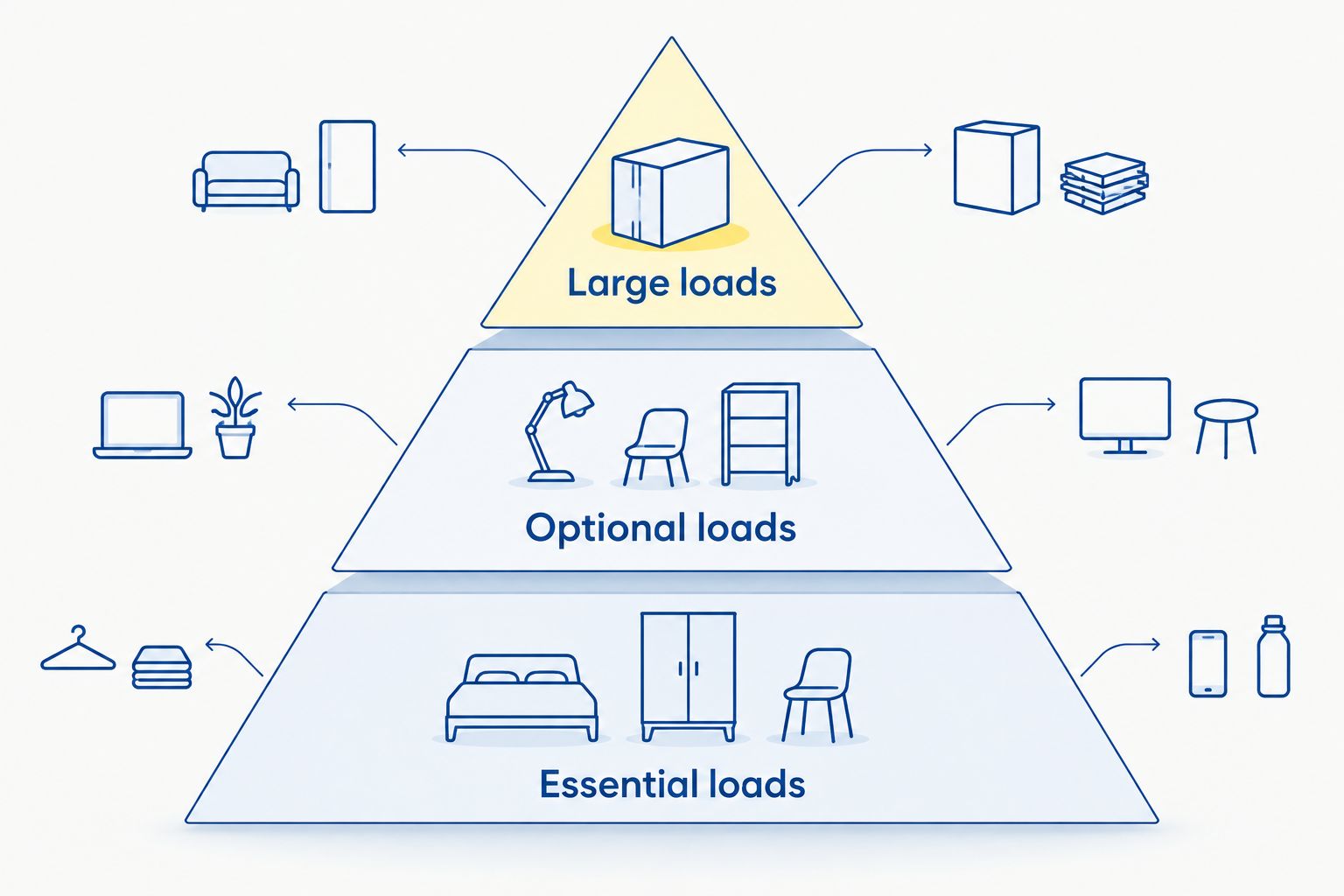
Separate your load list into these groups:
- Essential loads: Refrigeration, necessary lighting, communications, and other equipment you identify as essential.
- Optional loads: Appliances you can delay or switch off during an outage.
- Large loads: Central cooling, electric heating, cooking equipment, and vehicle charging that require individual review.
If cooling is central to your decision, review whether solar battery backup can run your central air conditioner. Ask for an assessment of your actual equipment rather than accepting a general whole-home claim.
For medical equipment, follow the equipment manufacturer's backup requirements and discuss emergency planning with your healthcare provider. General household battery advice is not a substitute for a device-specific plan.
How these alternatives are ranked
This 2026 ranking puts installed solar plus storage first because it combines backup energy with a potential outage-time charging source. Stationary batteries follow for installed circuit coverage, while portable stations and UPS units serve progressively narrower needs.
Bidirectional EV backup ranks last because compatibility and vehicle access are prerequisites. It is a distinct option, not a default recommendation for every EV owner.
The ranking uses the criteria above: output, usable energy, recharging, connection method, operating effort, and support. It does not claim product testing or compare unverified equipment specifications.
Which generator alternative should you choose?
Choose solar plus battery backup as the default starting point when you want installed outage protection and rooftop solar. Choose a stationary battery when solar is outside the project, or a portable station when you only need compatible plug-in essentials.
Before booking a 2026 installation, request a written scope covering backed-up circuits, excluded appliances, recharge behavior, reserve settings, and handover instructions. Ask how support works after installation and what information you should record during a fault.
Alphasolarsa offers a free consultation for homeowners considering solar and battery backup. Bring your electricity bills, an essential-appliance list, and details of any existing solar equipment so the discussion starts with your home rather than a generic package.
Plan your home backup
Discuss essential circuits, solar charging, and battery backup for your San Antonio home.
FAQ
What’s the best generator alternative for power outages?
Solar paired with battery backup is the strongest starting point for homeowners who want installed backup and daytime recharging. Its usefulness depends on the loads selected, battery output, stored energy, and solar conditions.
Can a battery power my whole home during an outage?
A properly designed battery system can supply household circuits, but whole-home coverage depends on the home’s loads and the system’s limits. Ask which appliances can run together and which must remain off.
Will my solar panels work when the grid goes down?
Ordinary grid-connected solar generally shuts down during an outage for safety. Outage operation requires compatible equipment and controls designed to isolate the home from the grid.
Is a portable power station better than a home battery?
A portable power station is better suited to selected plug-in devices, while a stationary home battery suits installed circuit backup. Neither is better without a defined appliance list and outage goal.
How long will a home battery last during an outage?
Runtime depends on usable stored energy and the connected loads. Charging during the outage, conversion losses, reserve settings, and changing appliance demand also affect the result.
Can I use my electric car to power my house?
You can use an EV for household backup only when the vehicle and the required home equipment support that function. Confirm the exact configuration before relying on it for outages.
Should I choose battery backup before adding solar?
Choose battery backup first when installed outage protection is your immediate goal and the battery supports the proposed configuration. If solar is planned later, confirm compatibility before committing to the installation.
One last thing
A fully charged battery is not the same as a fully prepared home. Keep a written outage routine that identifies essential circuits, appliances to leave off, and the settings you should not change without guidance.
The most useful handover question is simple: “Show me what happens when the grid fails.” Request a safe demonstration appropriate to the installed equipment, including how to recognize normal backup operation and when to call for support.
Related guides
- Can solar battery backup recharge during a grid outage?
- Installing a Powerwall with an existing solar system
- Choosing an outage reserve setting for solar battery backup