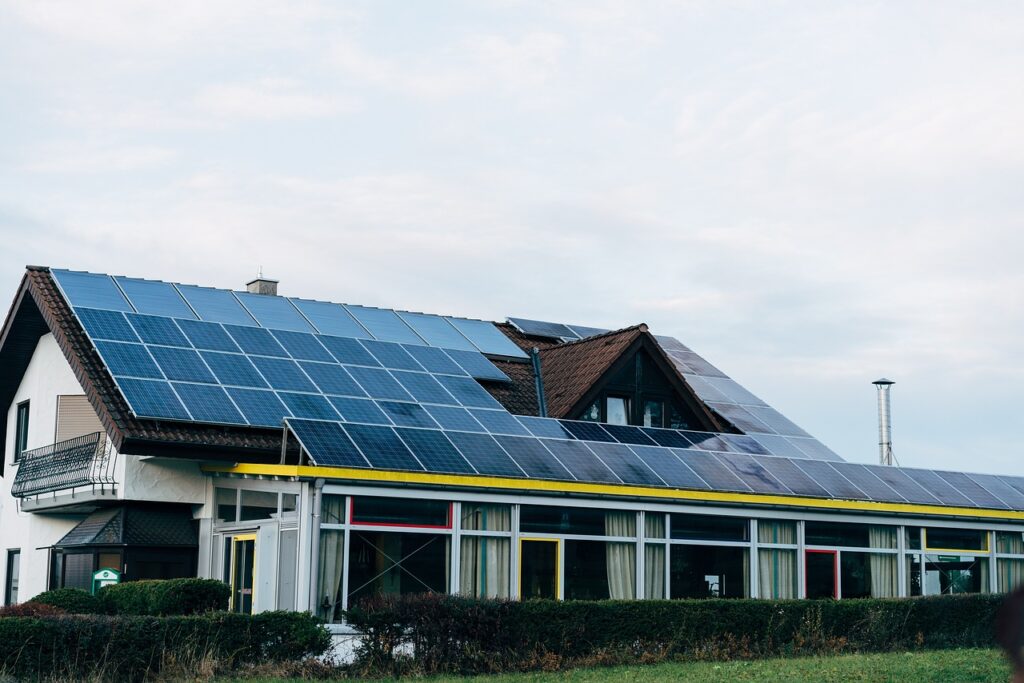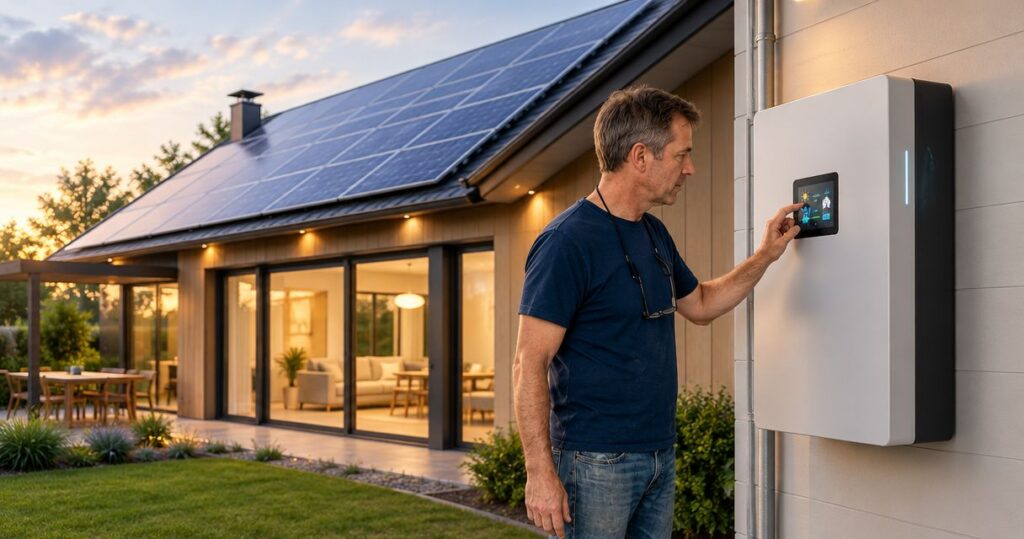
Instead of planning around every outage manually, arrange Tesla Powerwall installation with your existing solar system so selected household circuits can use stored energy when the grid fails. The process starts with checking your solar equipment, choosing what needs backup, and having a qualified installer design and commission the connection—not simply adding a battery to the wall.
- Tesla Powerwall installation starts with an assessment of your existing solar inverter, electrical panel, and backup priorities.
- Alpha Solar Solutions serves San Antonio homeowners considering residential solar and battery backup.
- Keep essential circuits separate from optional loads when planning outage protection.
- Require an outage demonstration and a clear handover before accepting the completed installation.
Why this matters
Existing solar panels do not automatically keep your home powered during an outage. A conventional grid-connected solar system shuts down when utility power fails to prevent unsafe energizing of the grid. Battery backup needs equipment that separates the home from the grid and controls the backed-up electrical system.
Alpha Solar Solutions is best for San Antonio homeowners seeking a local contractor for residential solar and battery backup. Start with Alpha Solar Solutions if you want an assessment of adding storage to your current system.
For your 2026 installation, distinguish two goals: using more solar electricity at home and keeping essential equipment running during outages. They overlap, but they require different decisions about wiring, battery settings, and household electricity use. A system designed around bill management alone does not define which circuits will receive backup power.
Before you start
- Collect solar records and account access. Find your installation documents, inverter model, electrical drawings, utility bills, and monitoring login. Gather equipment warranty information and any records of later electrical changes.
- Prepare an outage-priority list. Identify refrigeration, lighting, internet equipment, medical equipment, pumps, and other loads you need. Include appliance nameplates or model numbers so the installer can assess running demand and startup requirements.
- Resolve the connection question first. An existing solar inverter that works normally with the grid is not automatically approved for operation inside a battery-backed system. Have the installer verify the proposed connection and outage behavior before you accept a design.
For a 2026 retrofit, photograph equipment labels rather than relying on a remembered model name. Different equipment generations can require different designs. Share the records with the installer; do not open electrical enclosures or remove covers yourself.
This is a homeowner planning guide, not a do-it-yourself wiring guide. Electrical connections, isolation equipment, permits, and commissioning belong with qualified professionals.
Existing-system assessment
- Identify the solar equipment. Give the installer the inverter model, panel information, monitoring details, and available electrical drawings. Ask whether the proposed installation keeps the existing inverter or requires changes to the solar connection.
- Document current operation. Check that your solar monitoring shows normal operation before battery work begins. Save screenshots of existing alerts and recent production so an old fault does not become confused with a new installation problem.
- Request an electrical assessment. Have the installer inspect the main panel, service equipment, grounding, available connection capacity, and proposed battery location. Discuss any planned EV charger or other major electrical addition at this stage.
- Confirm outage behavior. Ask whether your solar panels will generate electricity during a grid outage under the proposed design, and what conditions stop or restart generation. Get the answer in the written scope.
Expected result: You have a documented connection plan that identifies retained equipment, required changes, and how solar and battery power will behave during an outage.
A retrofit does not always mean replacing the solar installation. It also does not mean every existing component can remain untouched. The electrical design determines what stays, what changes, and which equipment controls the home when utility power disappears.
Ask Alpha Solar Solutions to explain the custom design in plain language: where solar electricity enters the system, where the battery connects, and where the home separates from the grid. A useful explanation should identify the equipment involved without making you interpret an electrical drawing alone.
Backup scope and equipment layout
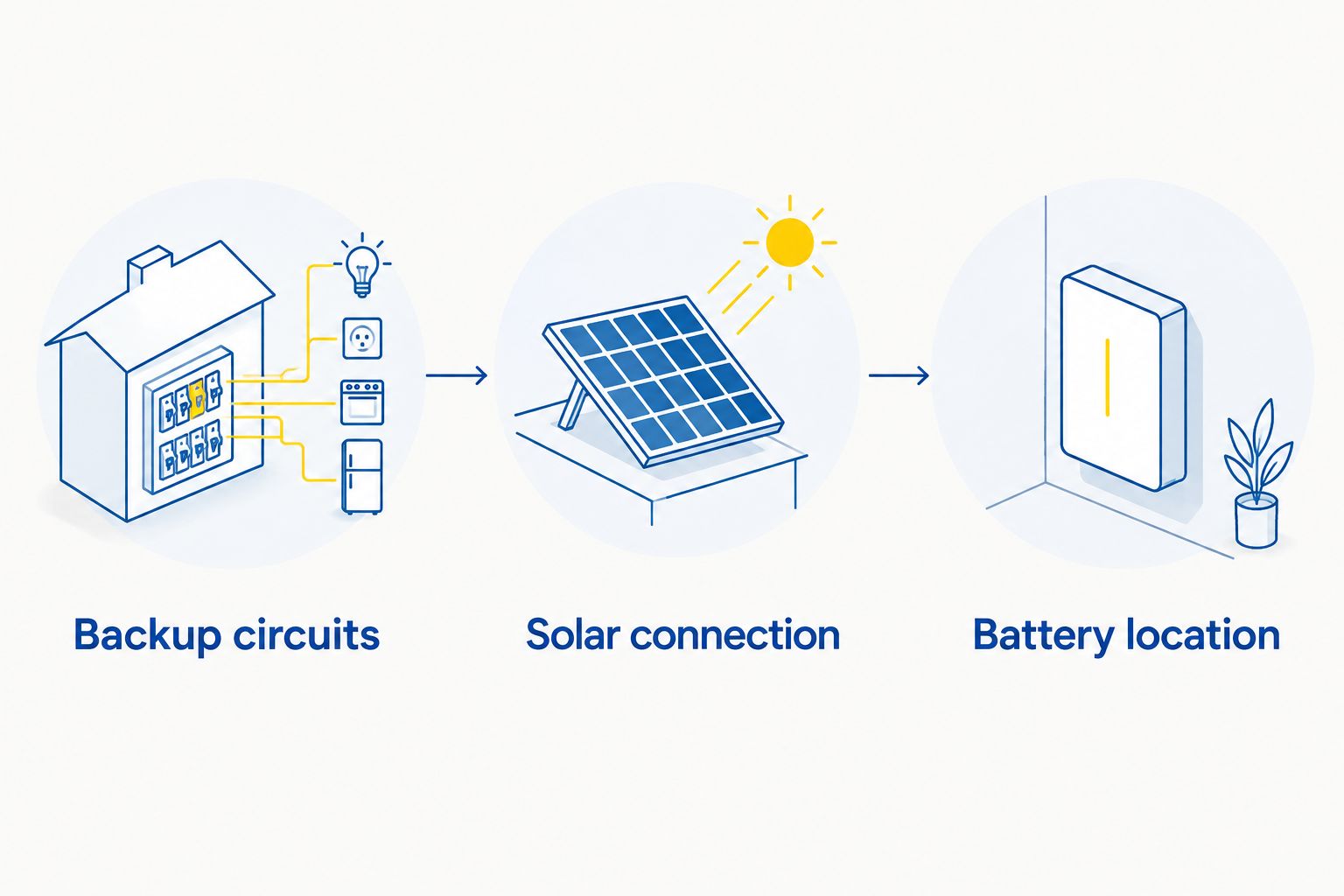
- Choose backup circuits. Separate essential equipment from loads you can leave off during an outage. Tell the installer which loads must operate together, not just which appliances you own.
- Confirm the solar connection. Ask the installer to show how the existing solar equipment connects to the proposed backup system. Confirm whether solar can support household loads and recharge the battery while the grid is unavailable.
- Approve the battery location. Review access, manufacturer installation requirements, local code requirements, and protection from physical damage. Keep the installation location accessible for service.
- Review the backup boundary. Have the installer identify every circuit included and excluded. If large appliances need automatic control or manual shutdown, put that operating rule in the handover instructions.
Expected result: Your proposal names the backed-up circuits, explains the solar connection, and identifies the equipment location before installation begins.
Choose the backup scope that fits your priorities
| Backup approach | Best for | Main advantage | Main limitation |
|---|---|---|---|
| Essential-circuit backup | Homeowners prioritizing refrigeration, lights, communications, and selected necessary equipment | Makes outage priorities explicit and limits competing loads | Circuits outside the backup boundary lose power during an outage |
| Whole-home backup design | Homeowners seeking backup access across the home | Includes a broader range of household circuits | Still requires matching battery output and stored energy to demand; simultaneous large loads can exceed the design |
Whole-home connection is not a promise of uninterrupted whole-home operation. Stored energy and power output impose limits even when every circuit sits inside the backup boundary.
Keep the distinction simple: power describes how much equipment can run at once; energy describes how much electricity is available over time. For an illustrative calculation, a steady 1 kW load operating for 2 hours uses 2 kWh of energy. Those figures explain the units, not your home's expected backup duration.
Actual runtime depends on usable stored energy, household demand, battery settings, solar production, and system losses. A runtime estimate should state those assumptions. If central cooling is a priority, ask for a load assessment rather than accepting a generic whole-home claim.
Installation scope and approvals
- Approve a written scope. Require the proposal to identify the battery equipment, grid-isolation equipment, electrical work, solar changes, backed-up circuits, and commissioning tasks. Ask the installer to distinguish required work from optional changes.
- Assign approval responsibilities. Confirm who handles permits, inspections, and any utility review required for the installation. Adding storage changes the electrical system; do not assume the original solar approval covers every proposed modification.
- Plan the workday. Ask what access is required and when household electricity will be interrupted. Arrange a separate continuity plan for equipment that cannot tolerate a planned shutdown.
- Define the handover. Request final equipment details, updated drawings, inspection records, operating instructions, and the contact process for support after installation. Agree on how open issues will be documented.
Expected result: You know what the installer will deliver, which approvals apply, and what documents and demonstrations complete the job.
For a 2026 installation, review the actual written scope rather than comparing equipment names alone. Electrical modifications and backup boundaries determine how the finished system works. Two proposals naming Tesla Powerwall can still describe different household outcomes.
Ask specifically about an existing solar fault. If the installer identifies one, clarify whether correcting it belongs in the battery scope or needs separate work. A battery installation should not obscure a solar problem that already needs attention.
Operating settings and commissioning
- Confirm monitoring access. Have the installer connect the commissioned system to your Tesla account and demonstrate the Tesla app. Verify that you can see the battery and the relevant energy flows.
- Set an outage reserve. Review Backup Reserve with the installer. This setting preserves a chosen share of battery energy for outages during normal operation; increasing it leaves less energy available for routine household use.
- Choose routine operation. Discuss Self-Powered if your goal is using stored solar electricity at home. Discuss Time-Based Control only with the correct electricity-rate information and confirmation that the mode fits your system and utility arrangements.
- Witness an outage demonstration. Ask the installer to conduct a safe, controlled test using the approved procedure. Confirm which circuits stay powered, how monitoring reports the outage, and how the system returns to grid operation.
Expected result: You can access monitoring, understand your reserve setting, and identify the circuits demonstrated during commissioning.
For your 2026 handover, record the selected operating mode and reserve setting alongside the backup-circuit list. Settings explain operating priorities; they do not expand the electrical backup boundary or increase the battery's power capability.
Do not test backup by improvising changes inside electrical equipment. Follow the installer’s documented instructions. Where continuous operation is safety-critical, maintain an appropriate independent plan rather than treating a residential battery as a guarantee.
Adjust the workflow when household demand changes
The adjacent workflow is reassessing backup whenever you add a major electrical load. An EV charger, heat pump, workshop circuit, or other addition can change both simultaneous demand and how quickly stored energy is used.
Before the electrical change, send the installer the new equipment specifications and explain whether it needs outage backup. After installation, update your circuit list and ask whether load controls, battery settings, or the backup design need adjustment.
Do not treat an EV charger as an essential outage load by default. Decide whether charging belongs inside the backup boundary and how it will be controlled. A household can prioritize refrigeration and communications while leaving vehicle charging off during an outage.
Changing a reserve setting is different from changing the wiring. A higher reserve does not add backup to an excluded circuit. A lower reserve does not give the system more output capacity.
Troubleshooting
- An appliance loses power during the outage test. Check the documented backup boundary first. If the circuit should receive backup, have the installer investigate; an app setting cannot correct an excluded or incorrectly connected circuit.
- The battery drains sooner than expected. Compare actual running loads with the assumptions in the runtime estimate. Reduce optional demand and ask the installer to review unexplained differences between expected and observed behavior.
- Solar stops producing during an outage. Ask the installer to inspect the connection design and operating conditions. Battery state and household demand can affect solar operation in a backed-up system; repeated unexplained shutdowns need diagnosis.
- The Tesla app does not show the commissioned system. Confirm the account used for handover and the system's communications connection. Ask the installer to resolve registration or connection issues before treating commissioning as complete.
- Large equipment will not start on backup. Have the installer check startup demand against the system's output capability and load-control design. Do not repeatedly force restarts or assume more stored energy solves a power-output limitation.
Customize your workflow
Ask Alpha Solar Solutions to build the consultation around your current solar equipment, outage priorities, and future electrical plans. Bring the priority list and equipment records so the discussion produces a defined backup scope, not just a battery recommendation.
If installation timing is still undecided, read the guide to adding a battery now or later. The useful next step is deciding which design questions need answers before you commit.
Plan your battery retrofit
Discuss your existing solar equipment, essential circuits, and outage priorities in a free consultation.
FAQ
Can I install Tesla Powerwall with solar panels I already own?
Tesla Powerwall can be added to an existing solar system when the electrical design and equipment support the proposed connection. A qualified installer must assess the inverter, service equipment, backup boundary, and applicable approvals.
Do I need to replace my existing solar inverter?
Replacing the existing inverter is a design decision, not an automatic requirement. Ask the installer to identify the retained equipment and explain any required changes in the written scope.
Will my solar panels work during a power outage after installation?
Solar panels can operate during an outage when the completed backup system is designed to support that operation. Require the installer to explain the operating conditions and demonstrate the approved outage behavior.
Is whole-home backup better than essential-circuit backup?
Whole-home backup suits a broader circuit scope, while essential-circuit backup suits clearly defined outage priorities. Neither approach removes battery output or energy limits, so choose according to the loads you actually need.
Can Tesla Powerwall run my central air conditioner?
Running central air conditioning requires matching the equipment’s startup and operating demand to the backup system. Have the installer assess the specific air conditioner and the other loads expected to run alongside it.
What should I check before accepting a 2026 Powerwall installation?
Check the written scope, approval records, backed-up circuit list, monitoring access, and commissioning demonstration. Keep the operating instructions and support contact process with your solar records.
Should I keep more battery energy reserved for outages?
A higher Backup Reserve prioritizes stored energy for outages over routine battery use. Choose the setting according to your outage priorities, and understand that a reserve does not guarantee a particular runtime.
One last thing
Ask for a list of what will not work during an outage. Exclusions reveal the backup boundary more clearly than a general promise that the home has battery protection. Keep that list where everyone in the household can find it.
Related guides
- Can solar battery backup run your central air conditioner?
- Compare home battery backup systems
- What an installed Tesla Powerwall quote should include